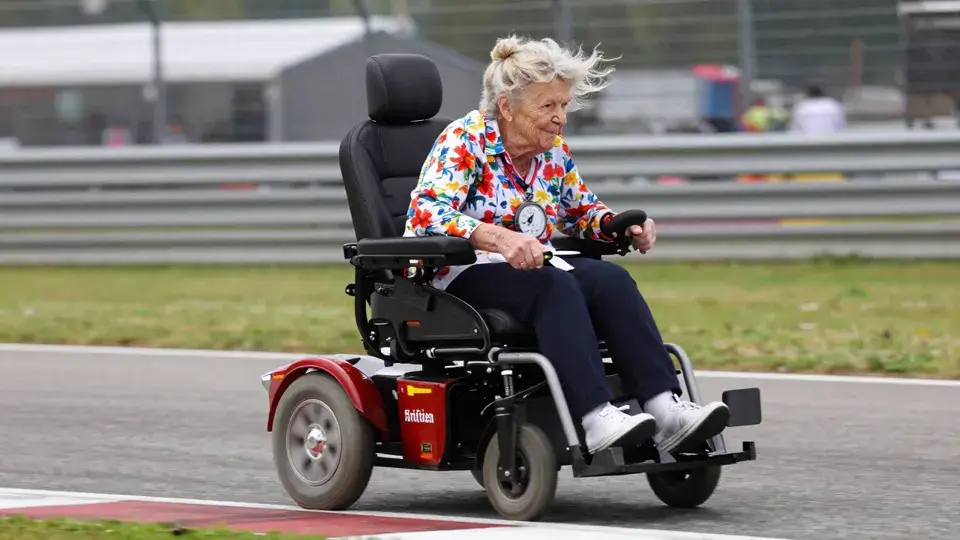
Go from photo to video with a prompt
Start with a still photo and describe what happens next. For a racing shot, try asking the camera to follow the rider down the track.
 AnimateImage
Upload a photo, describe the motion you want, and create a watermark-free animated video in seconds. No experience needed.
Get Inspired
A little inspiration for your next video.
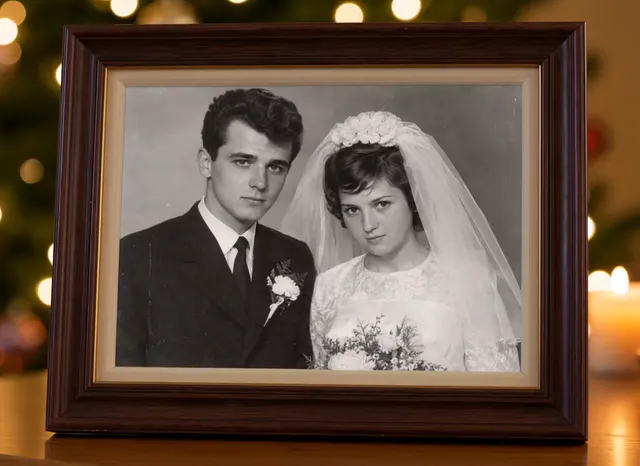
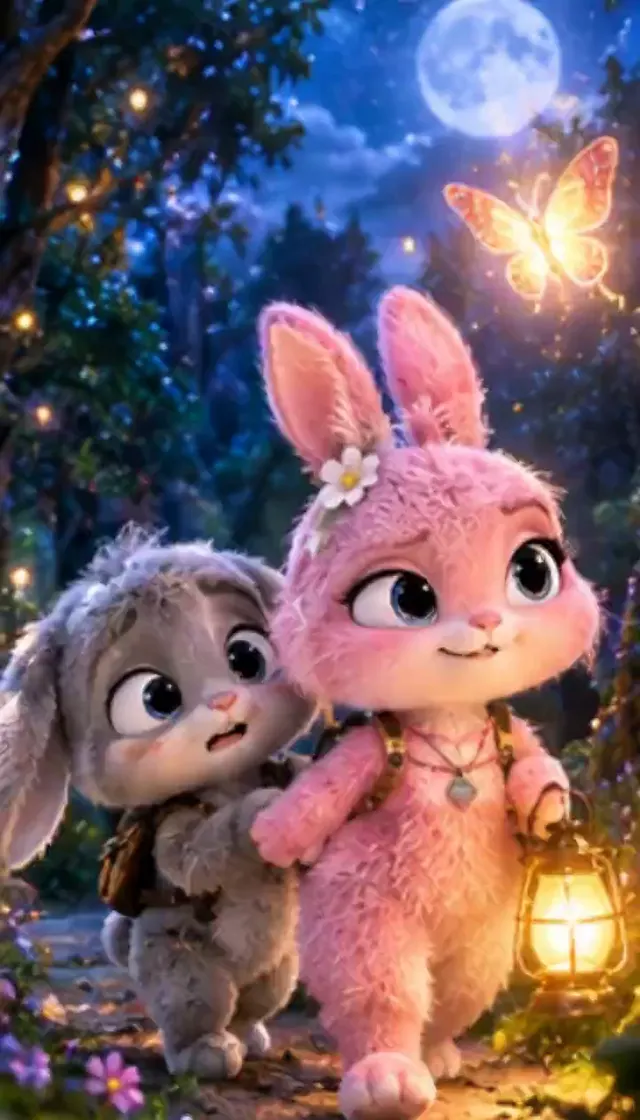
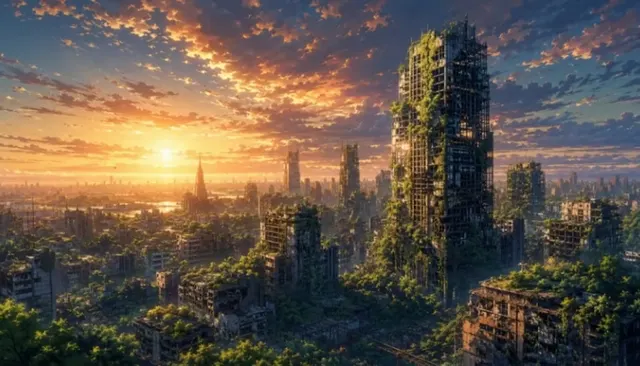
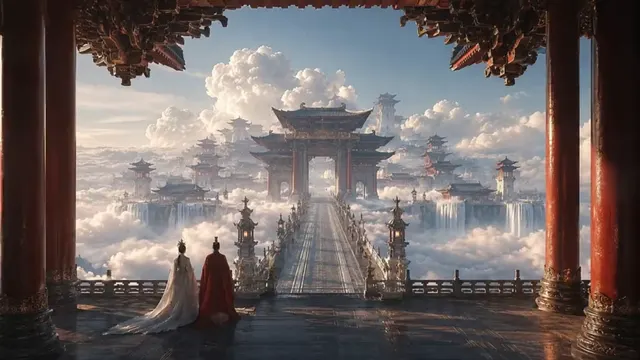
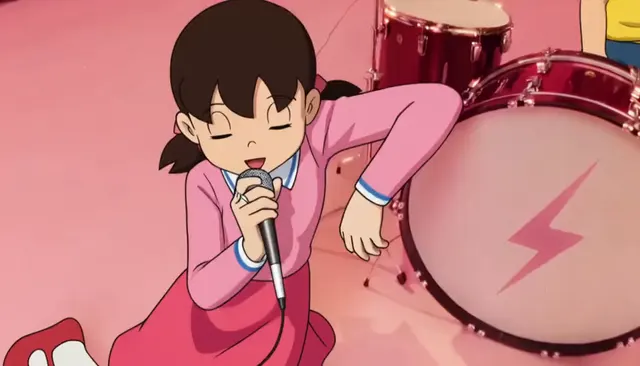
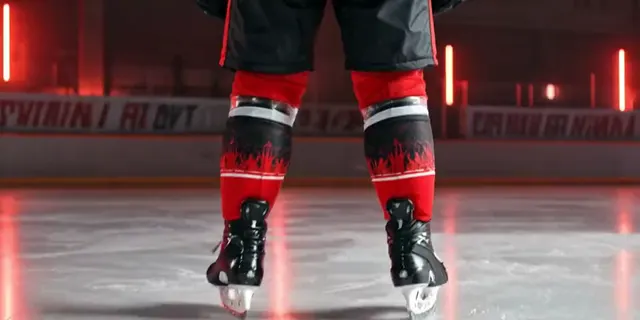
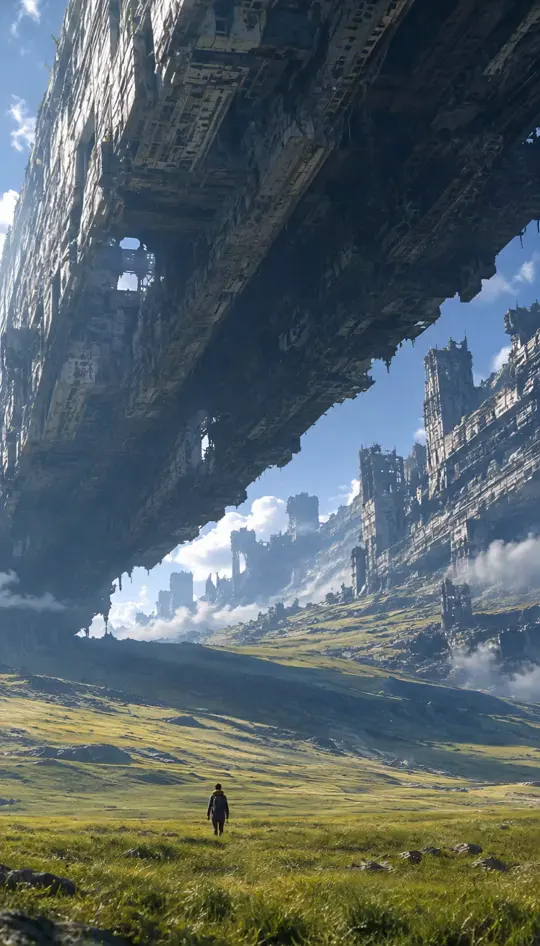
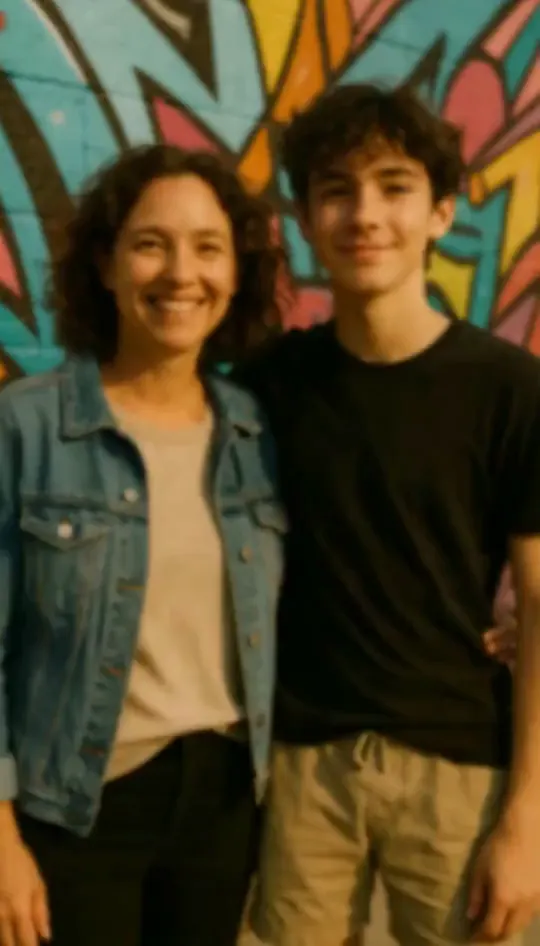
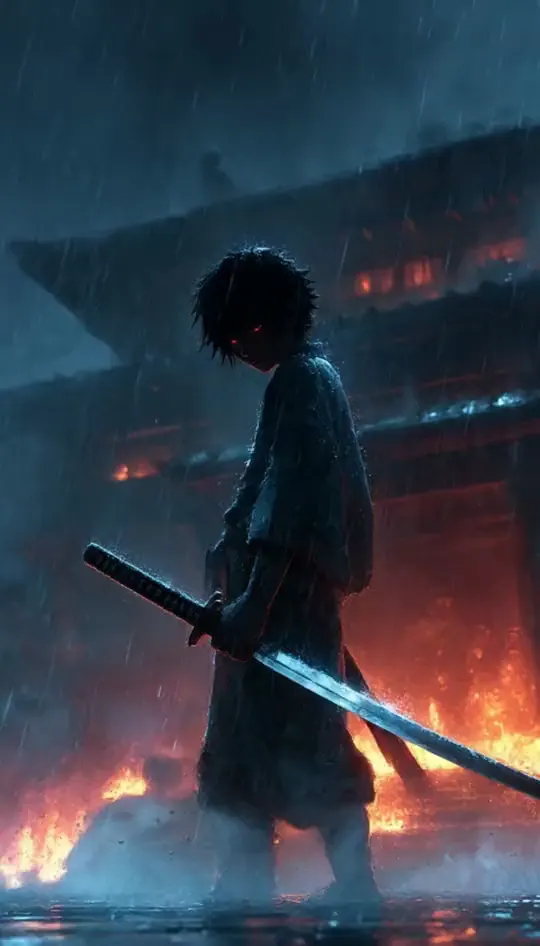
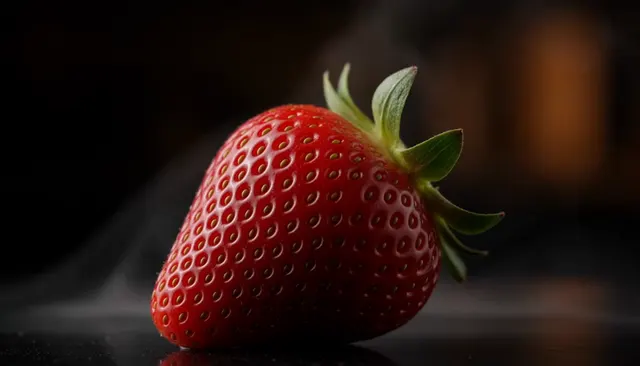
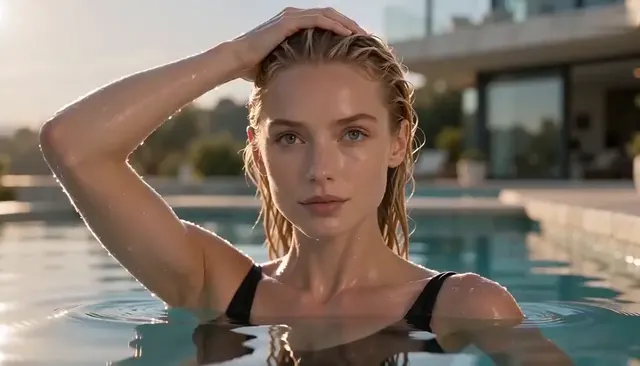
Image to video
Turn a still image into a short video by describing what should move.

An AI image animator starts with your photo or illustration and generates the frames that follow. Your prompt can describe a subject moving, a change in the light, or a slow camera pan. In this clip, the camera stays still while chocolate pours over the strawberry.
Slowly pour melted chocolate over the strawberry. Keep the camera still.
FEATURES
Turn everyday photos, original characters, product images, and event posters into videos for the things you want to create.
Start with a still photo and describe what happens next. For a racing shot, try asking the camera to follow the rider down the track.
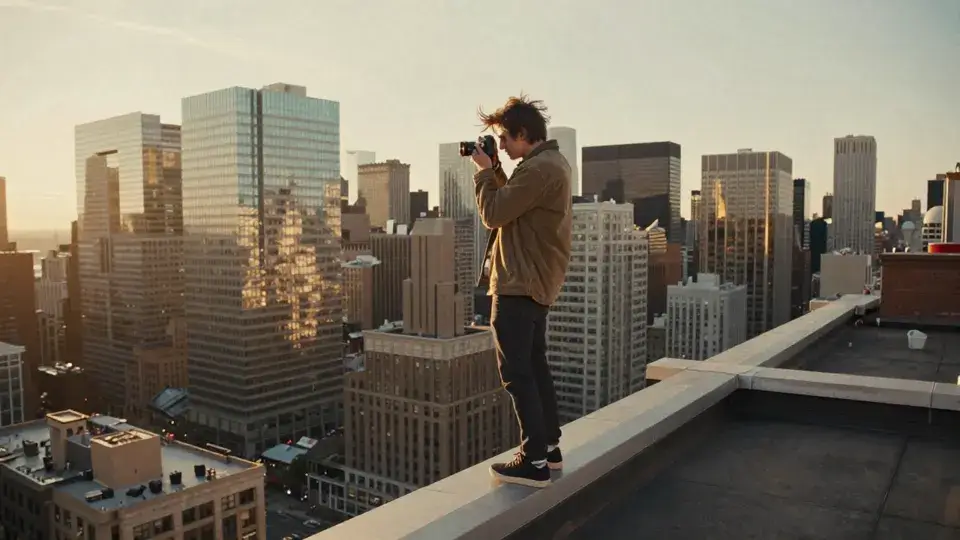
A small gesture can give a portrait a sense of time. In the rooftop scene, the photographer turns toward the skyline while the city stays in view.

Animate a character by giving it something to react to. A cat in a suit glances down as papers fly across its desk, turning a character portrait into a visual punchline.
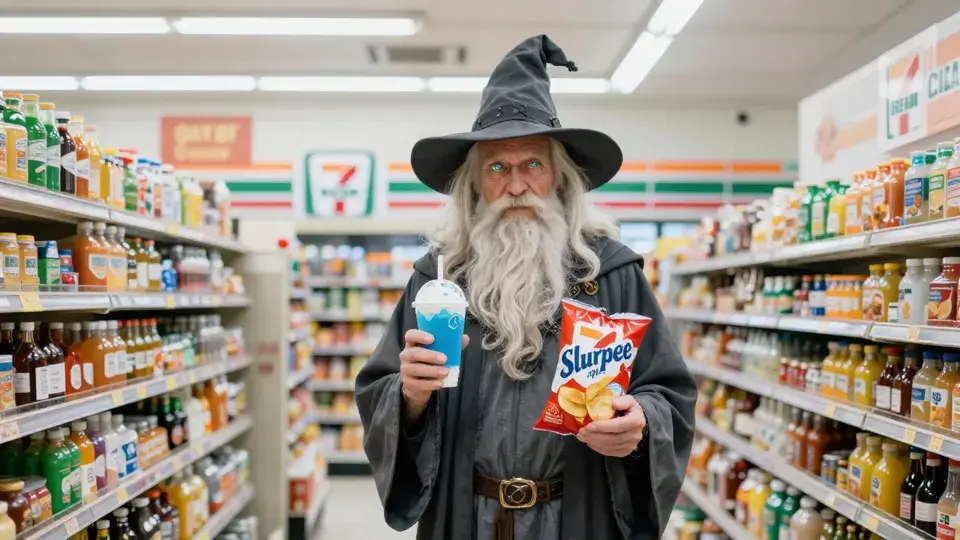
Use your artwork as the opening frame, then hint at what happens next. For a fantasy teaser, a wizard reaching for a snack can set up a surprise at the checkout.
Start with one illustration and try the same prompt in Seedance and Kling. Compare how the clouds drift and how the camera approaches the palace, then choose the take that fits your scene.
HOW IT WORKS
Turn a still photo into a video quickly and easily with our AI image animator. No editing skills needed.
Upload a photo, illustration, or product image, then write a prompt describing how you want it to move.
Choose an AI model, set the aspect ratio and resolution, and click Generate to create your video.
Watch your animated video, then download it to save or share. Refine your prompt to explore a different look.
Who it’s for
Explore six ways to use the images you already have, from turning a product photo into a video ad to making an anniversary film from a family portrait.
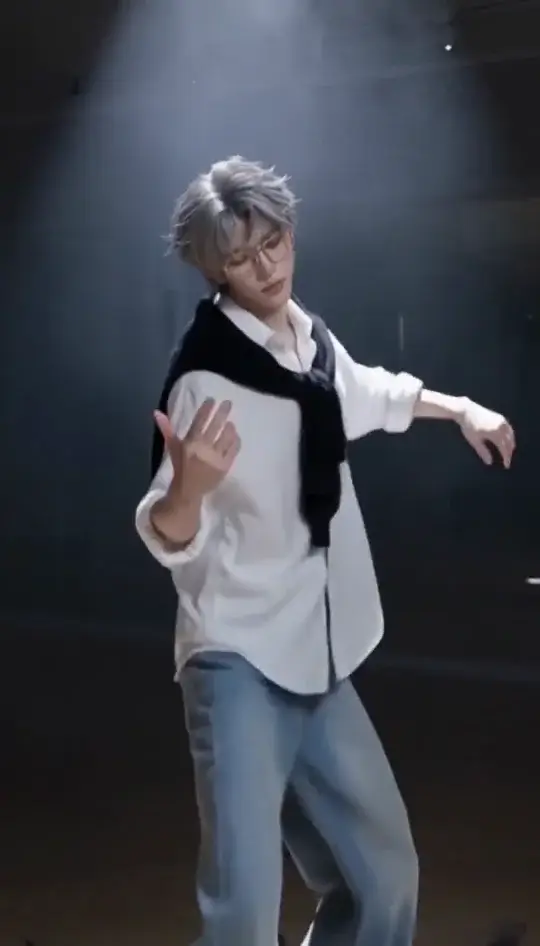
Social teams can animate image posts for Reels and Stories. The same event artwork can supply an announcement, a countdown, and an opening-day reminder without booking another shoot.

The same product photos can become one video ad about craftsmanship and another about gift packaging. A team can run both on a small budget and compare click-through rates before spending more.
Studios can offer a moving portrait alongside a graduation print, or animate photo booth pictures as wedding favors. Clients get a digital keepsake to share with family as part of their photography package.
Character designers can add a short performance clip to a pitch or portfolio. A client can see how a character carries itself and give feedback before commissioning the full animation.
A director can use clips made from storyboard panels to review a scene with the cinematographer and editor. The crew can agree on camera moves and timing while the shot list is still easy to change.
An old wedding portrait can become an anniversary film for your parents. Share it in the family chat so relatives who live far apart can watch and swap stories about the day.
Pricing
From favorite photos to original characters and product images, choose a credit plan that fits how often you create.
No card required · No watermark
FAQs
Add a photo or illustration and describe how you want it to move.
Try the animator